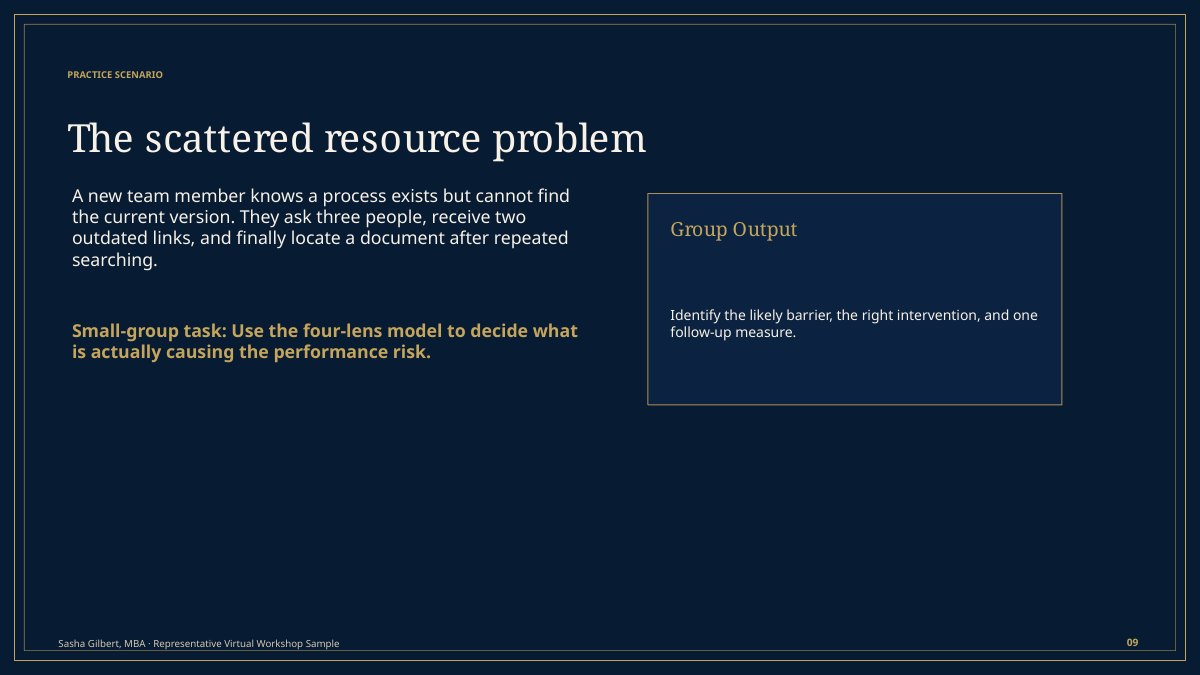
Define the performance and choose a realistic barrier.
Instructional Design · Live Facilitation · Adult Learning · Transfer
Virtual Learning & Facilitation
Teach. Engage. Adapt.
A complete virtual learning experience built around diagnosis, discussion, realistic practice, feedback, and support after the session.
Representative virtual learning sample created for portfolio demonstration.
01 · The experience
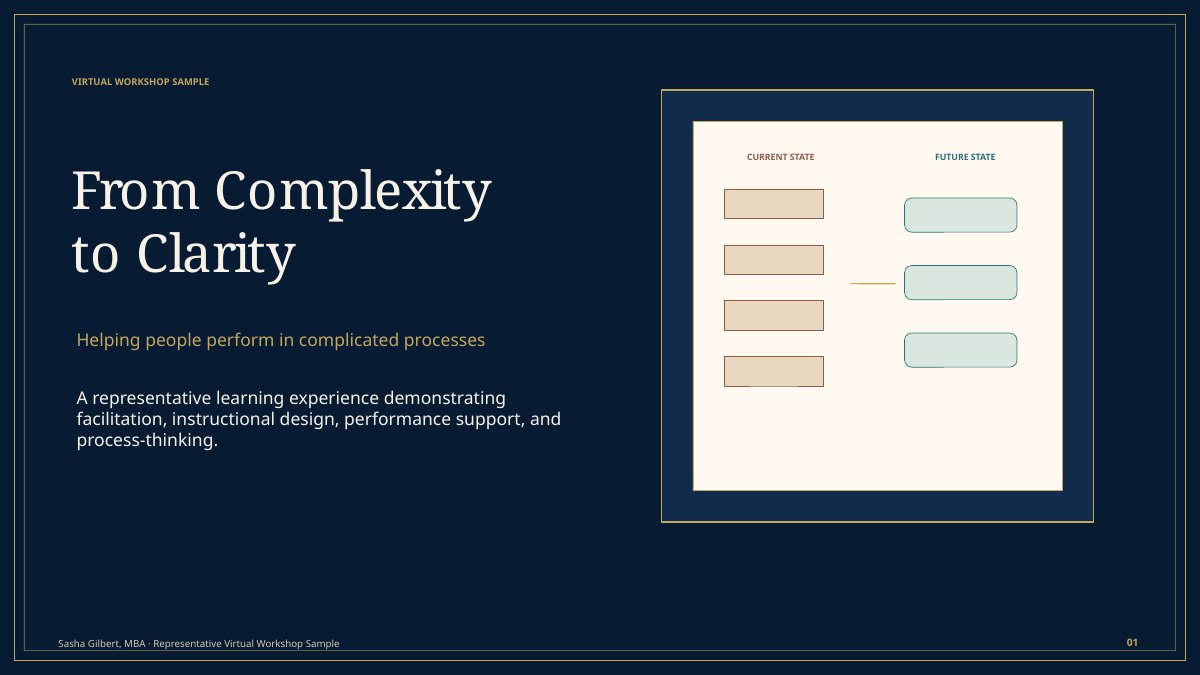
From Complexity to Clarity
A 45-minute virtual workshop that helps participants identify why a process feels harder than it should and choose support that fits the actual barrier.
02 · Learning architecture
Design the session and the transfer together.
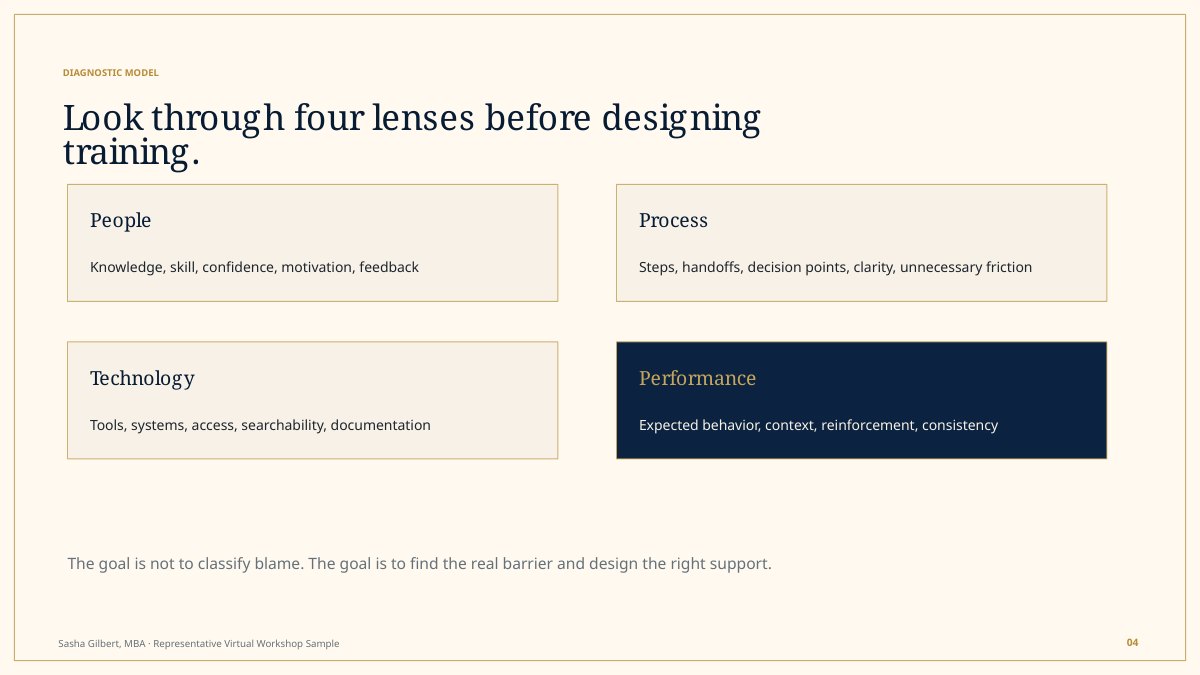
The learning path gives participants a model, asks them to use it, surfaces their reasoning, and carries the new behavior back into work.
Use questions, discussion, and visible thinking.
Apply the diagnostic model to a workplace scenario.
Observe decisions, coach the reasoning, and invite another attempt.
Connect action planning to manager support and job aids.
03 · Complete design
The facilitator and learner each receive a purposeful experience.
The deck, facilitator guide, and workbook work as one system. The facilitator can adjust pacing and probe learner thinking while participants map a real process and leave with a next step.
Facilitator Experience
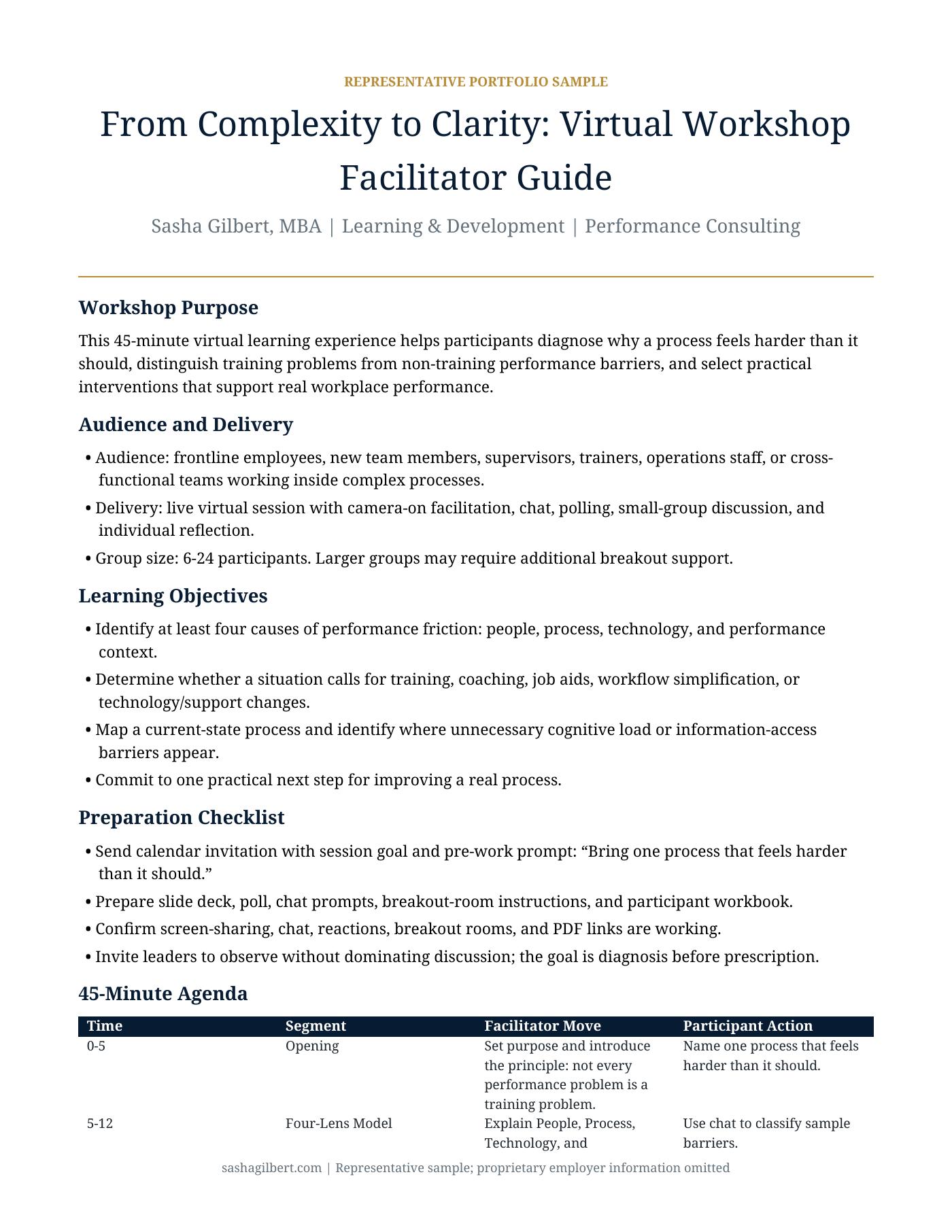
Purpose, pacing, questions, and adaptation
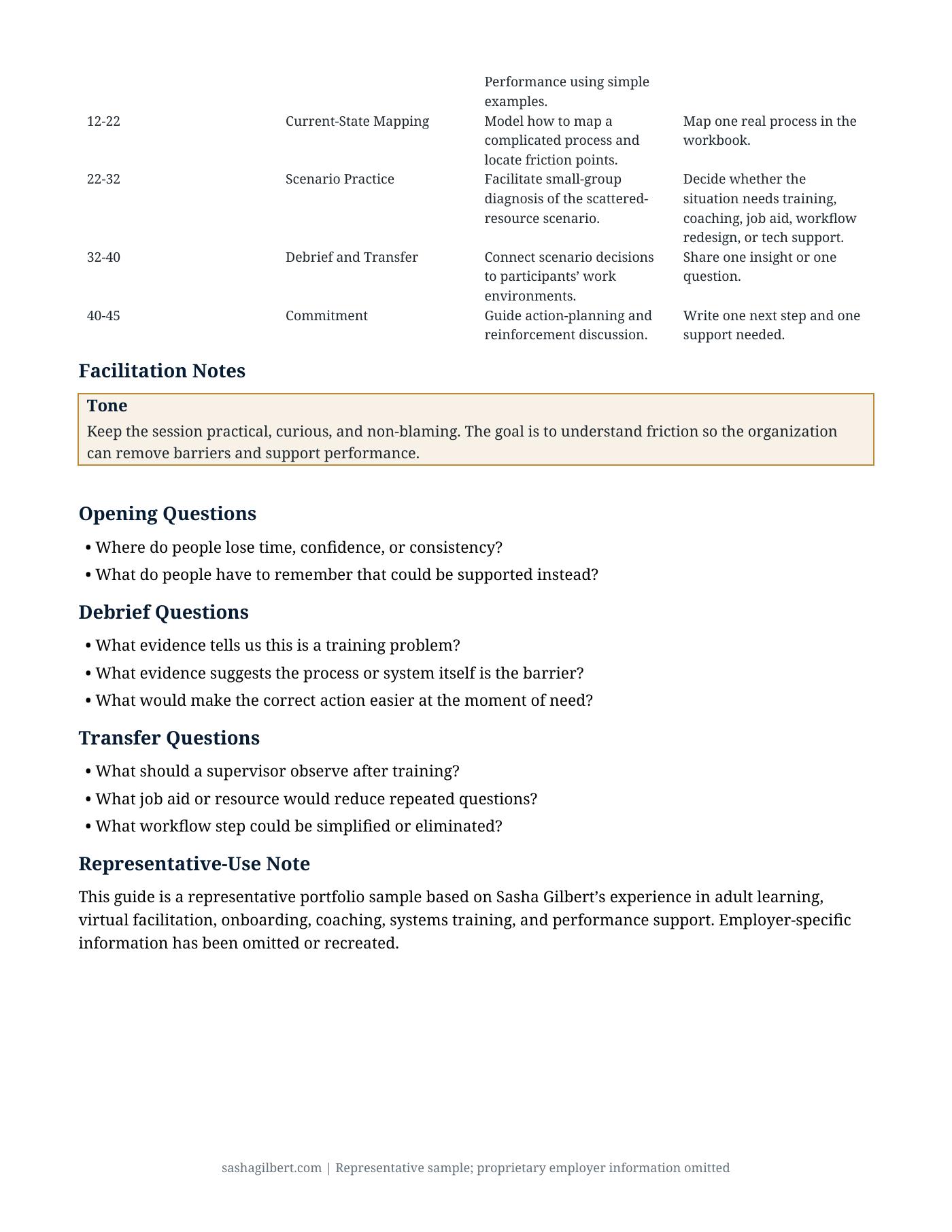
The guide gives the facilitator an agenda, preparation checks, opening questions, debrief prompts, transfer questions, and room to respond to what learners reveal.
View the Facilitator Guide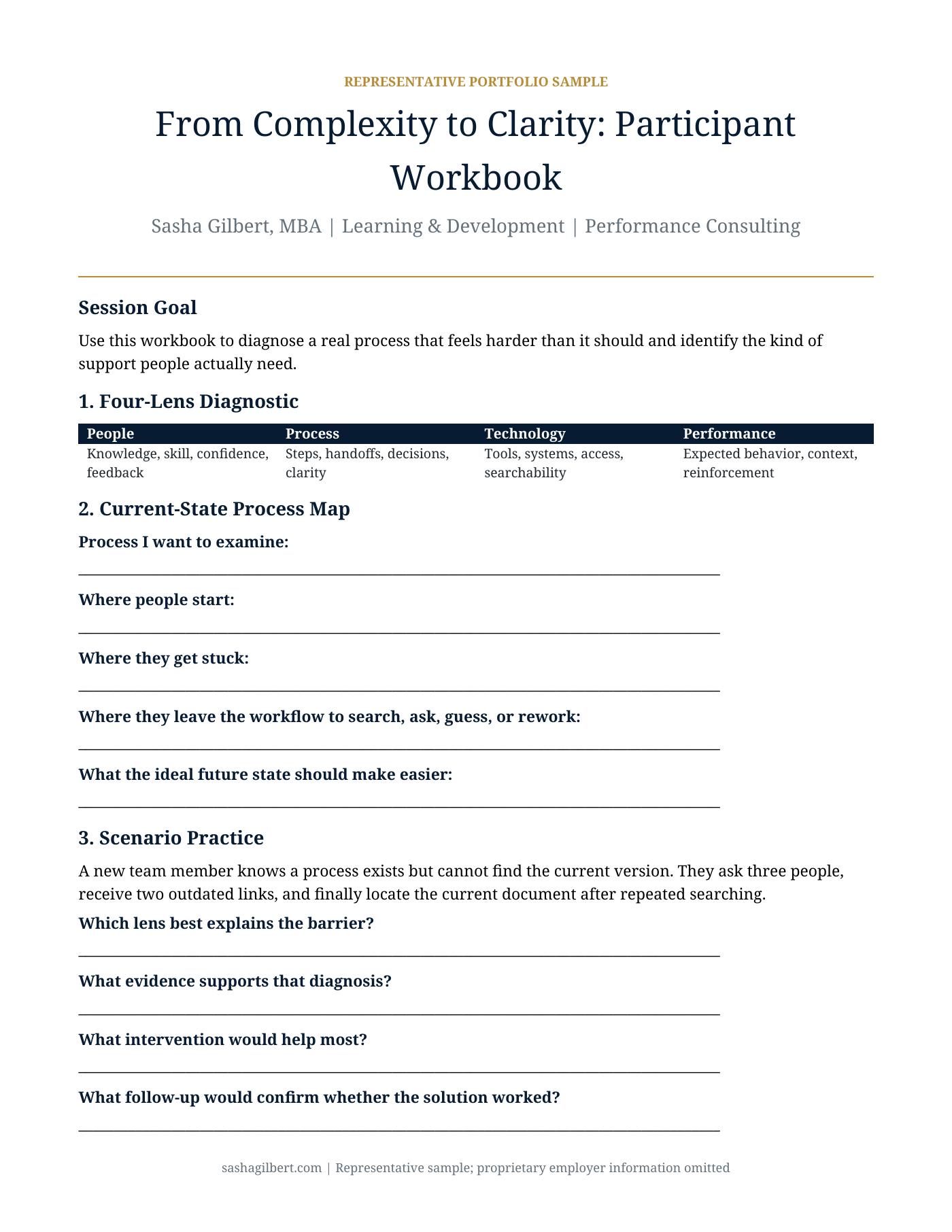
Learner Experience
Application, reflection, and commitment
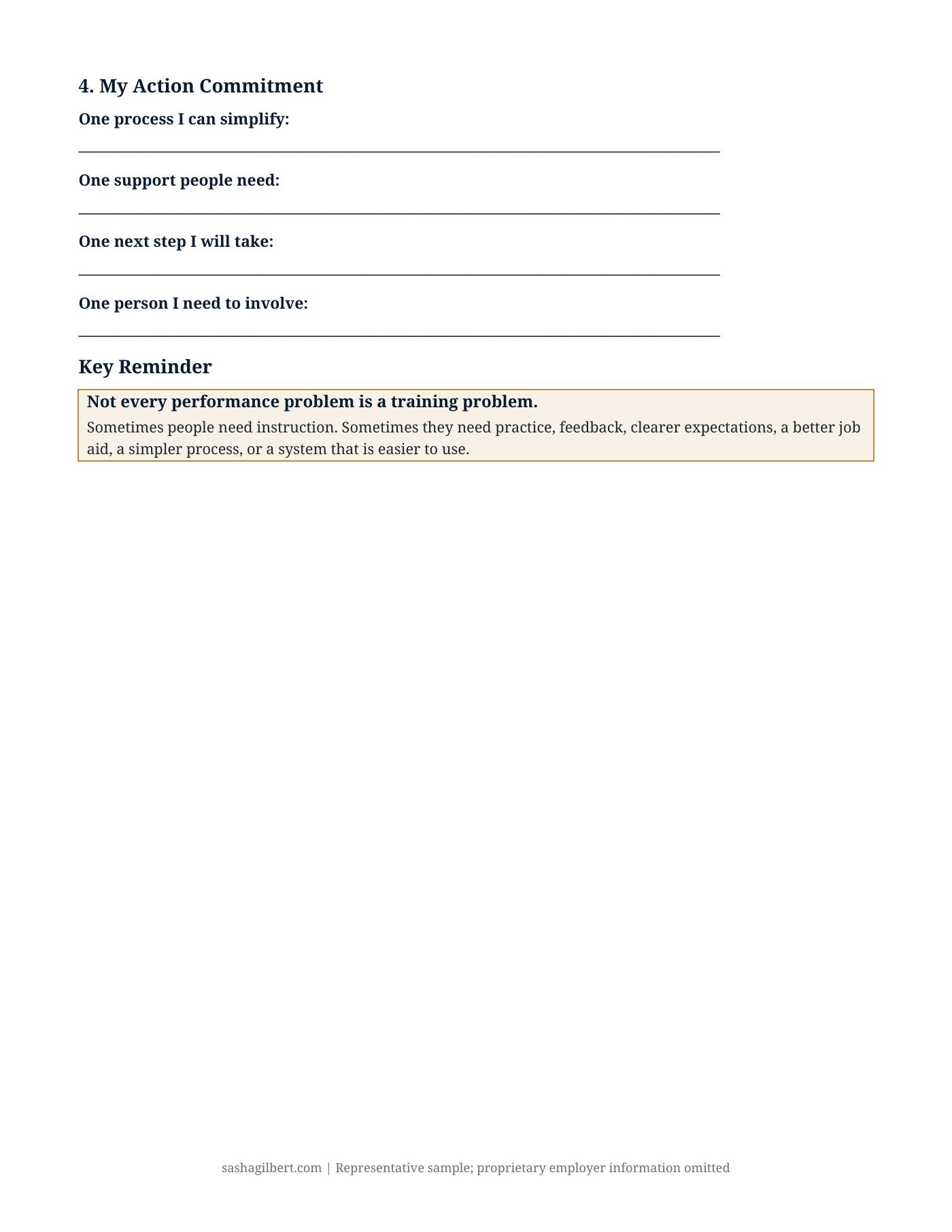
The workbook moves learners from diagnosis to a current-state map, scenario practice, and one concrete action they can take after the session.
View the Participant Workbook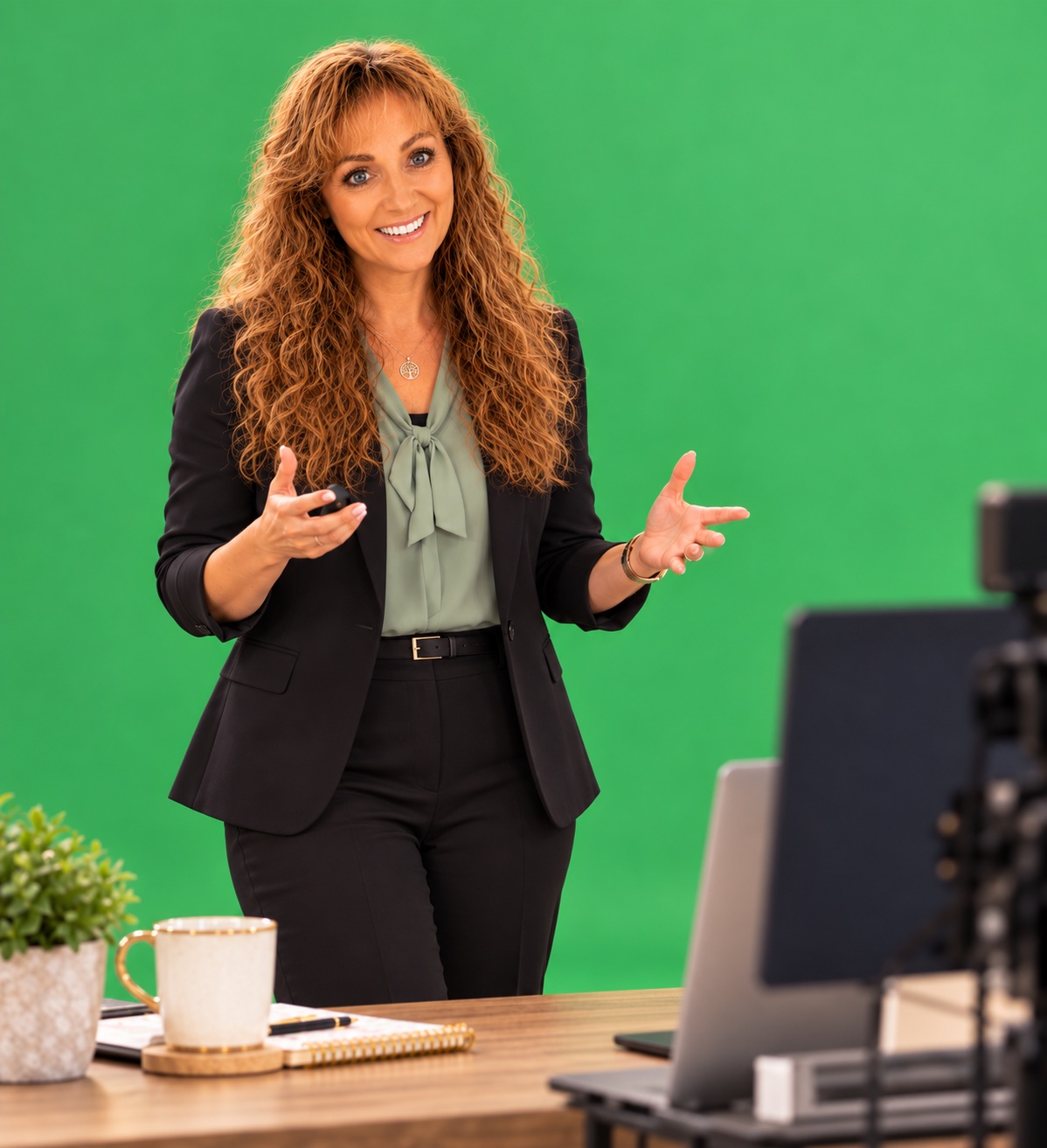
Live Facilitation
The Facilitator in the Room
Good virtual facilitation is not presenting slides. It is continuously reading the room, checking understanding, and adjusting the experience so learning can transfer to performance.
Approximately six years of live online education inform a camera-on approach grounded in learner observation, feedback, adaptation, changing technology environments, and the practical realities of onboarding and coaching professionals.
Read the Room
Hesitation, silence, repeated questions, participation patterns, confidence, confusion, learner energy, and whether participants can explain an idea in their own words all shape the facilitator’s next move.
Check for Understanding
Questions, chat responses, polling, scenarios, learner explanation, guided practice, discussion, and quick application checks reveal what is understood. Attendance does not equal understanding.
Adapt in Real Time
When the original plan is not landing, pacing, examples, explanation, questioning, practice, repetition, and learner support can change while the learning objective and required content remain intact.
Coach Toward Performance
A correct answer is a starting point. Judgment, confidence, application, feedback, reflection, and a clear next step move the learner toward better performance in the work itself.
Designed for participation
Learners need something meaningful to do.
Each facilitation move creates visible evidence of thinking and gives the group a practical route from explanation to application.
Explain
Give learners the minimum context needed.
Question
Surface prior knowledge, assumptions, and uncertainty.
Practice
Let learners apply the idea in a realistic situation.
Feedback
Correct, reinforce, and deepen understanding.
Transfer
Connect the learning to the actual job.
Facilitator judgment
What I Watch During a Live Session
Participation
Who is engaging, and who may need another way into the conversation?
Understanding
Can learners explain or apply the idea, rather than simply agree with it?
Pace
Is the group ready to move forward, or does the concept need another example?
Confidence
Do learners understand the task but hesitate to perform it?
Friction
Is the difficulty actually in the instruction, the process, the system, or access to information?
04 · Workplace transfer
Learning continues after the live session.
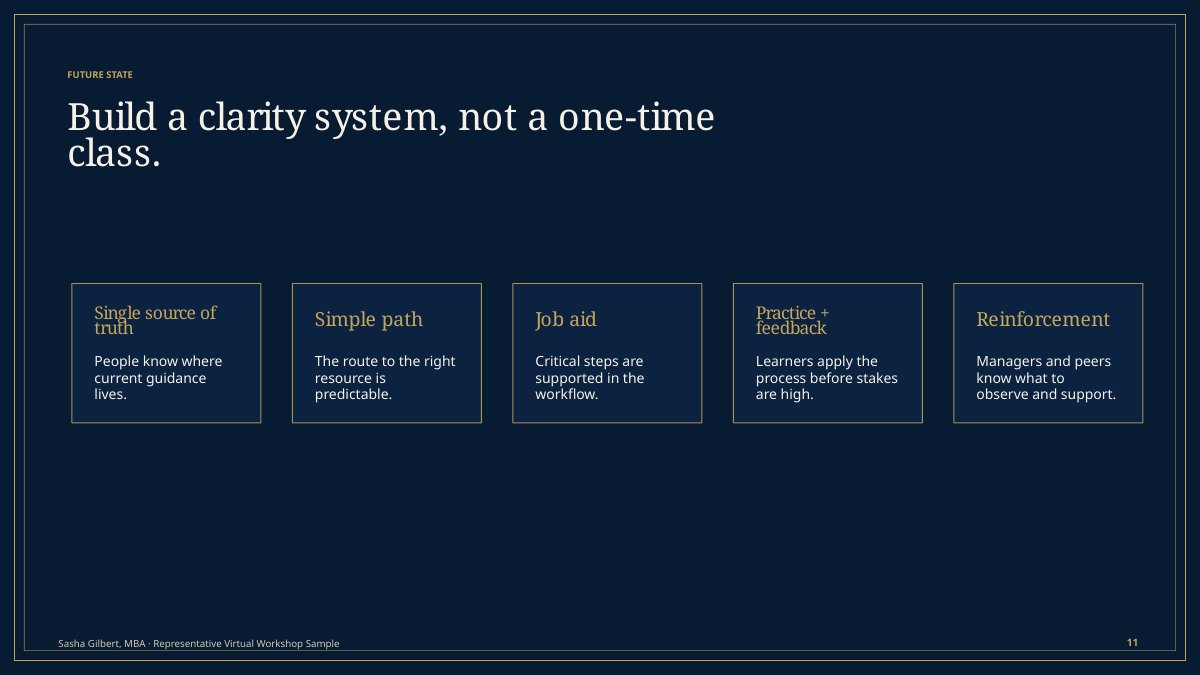
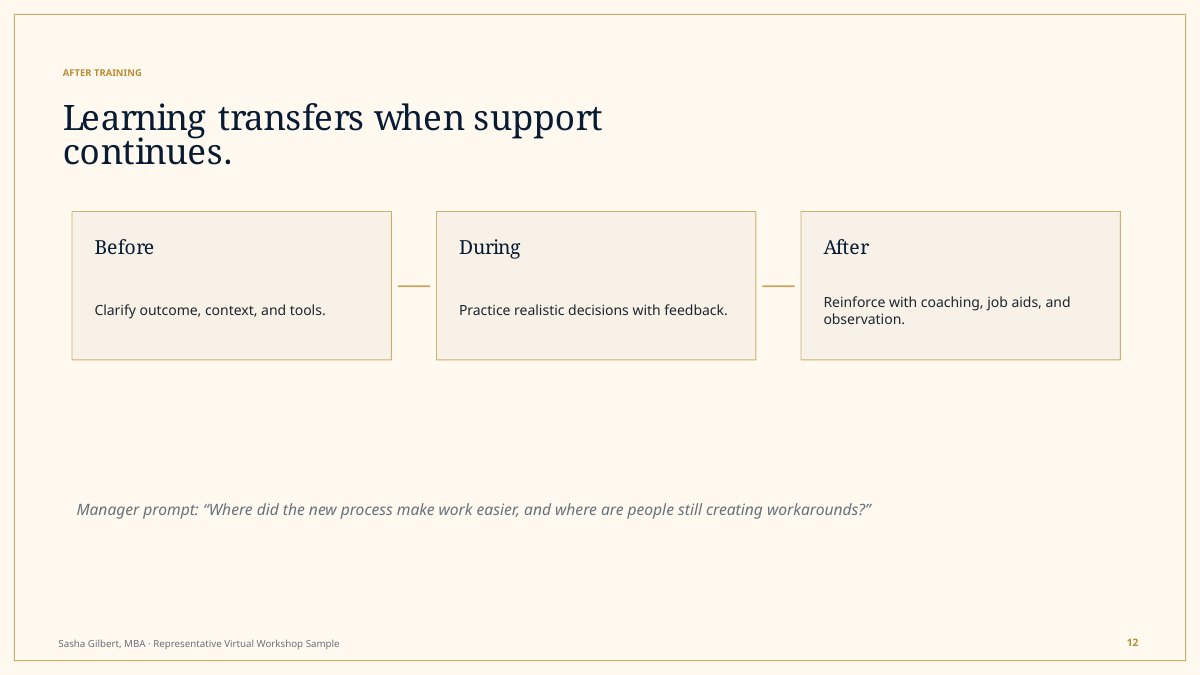
Transfer depends on visible guidance, realistic practice, manager observation, and reinforcement at the moment of need.
Facilitation Principles
- Clarity before complexity.
- Participation before passive consumption.
- Practice before performance.
- Feedback before independence.
- Transfer before completion.
Capabilities demonstrated
Learning designed as a complete experience.
Virtual-first instructional design · Live facilitation · Adult learner engagement · Questioning and discussion · Scenario practice · Observation and feedback · Coaching · Reinforcement · Workplace transfer